Google Search > Design
This wizard allows you to fully customize the way your Google Search will look.
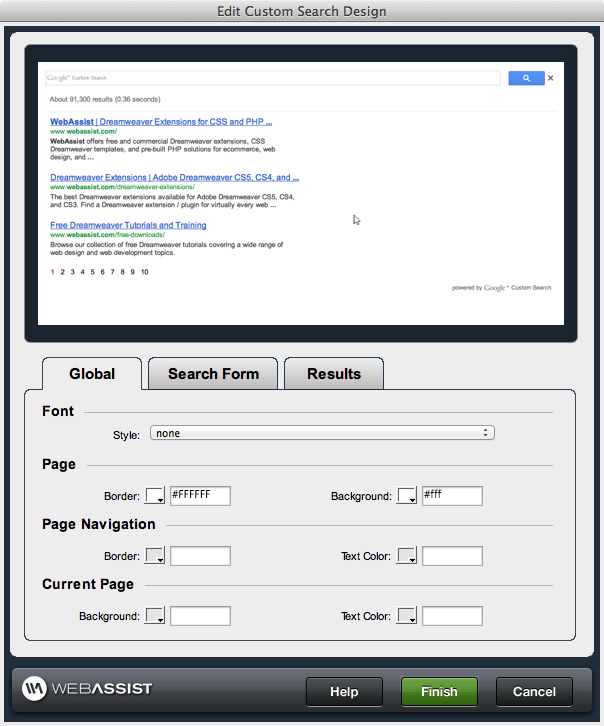
Font:
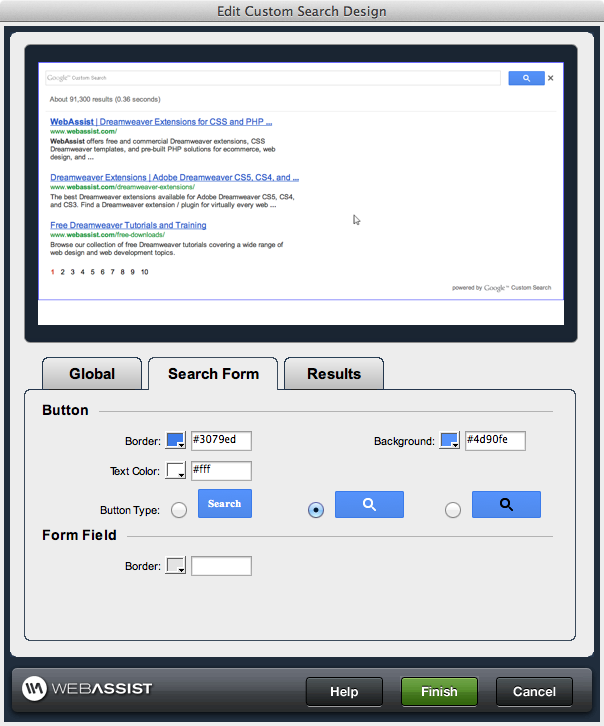
Button:
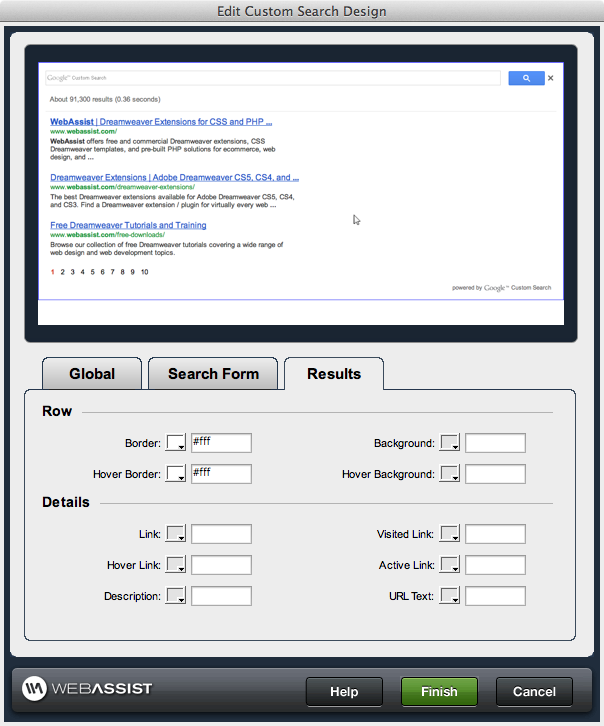
Row:
Global
The following details the global settings for your Search design:Font:
- Style: A list of available font families. Leave blank for page default
Page:
- Border: The border color for the page
- Background: The background color for the page
Page Navigation:
- Border: The border color around the navigational elements on the page
- Text Color: The color of the text within the navigational elements
Current Page:
- Background: The background color of the page
- Text color: The color of the non-link text on the page
Search Form
The following details the settings for your Search Form's design:Button:
- Border: The border color for the search form
- Background: The background color for the search form
- Text Color: The text color for text within the search form
- Button Type: The style of button that will be used in the search form
Form Field:
- Border: The border surrounding the form field
Results
The following details the settings for your Search Results design:Row:
- Border: The color of the border around each search result
- Background: The background of the search result rows
- Hover Border: The color of the border that will appear around a search result when the mouse is hovered over it
- Hover Background: The background color that will display when the mouse is hovered over a search result
Details:
- Link: The border color for the page
- Visited Link: The background color for the page
- Hover Link: The color of links when the mouse is hovered over them
- Active Link: The color of active links
- Description: The color of description of the result
- URL Text: The color of the text that displays the URL of the result